

# 🚗 EBZ ANPR Parking
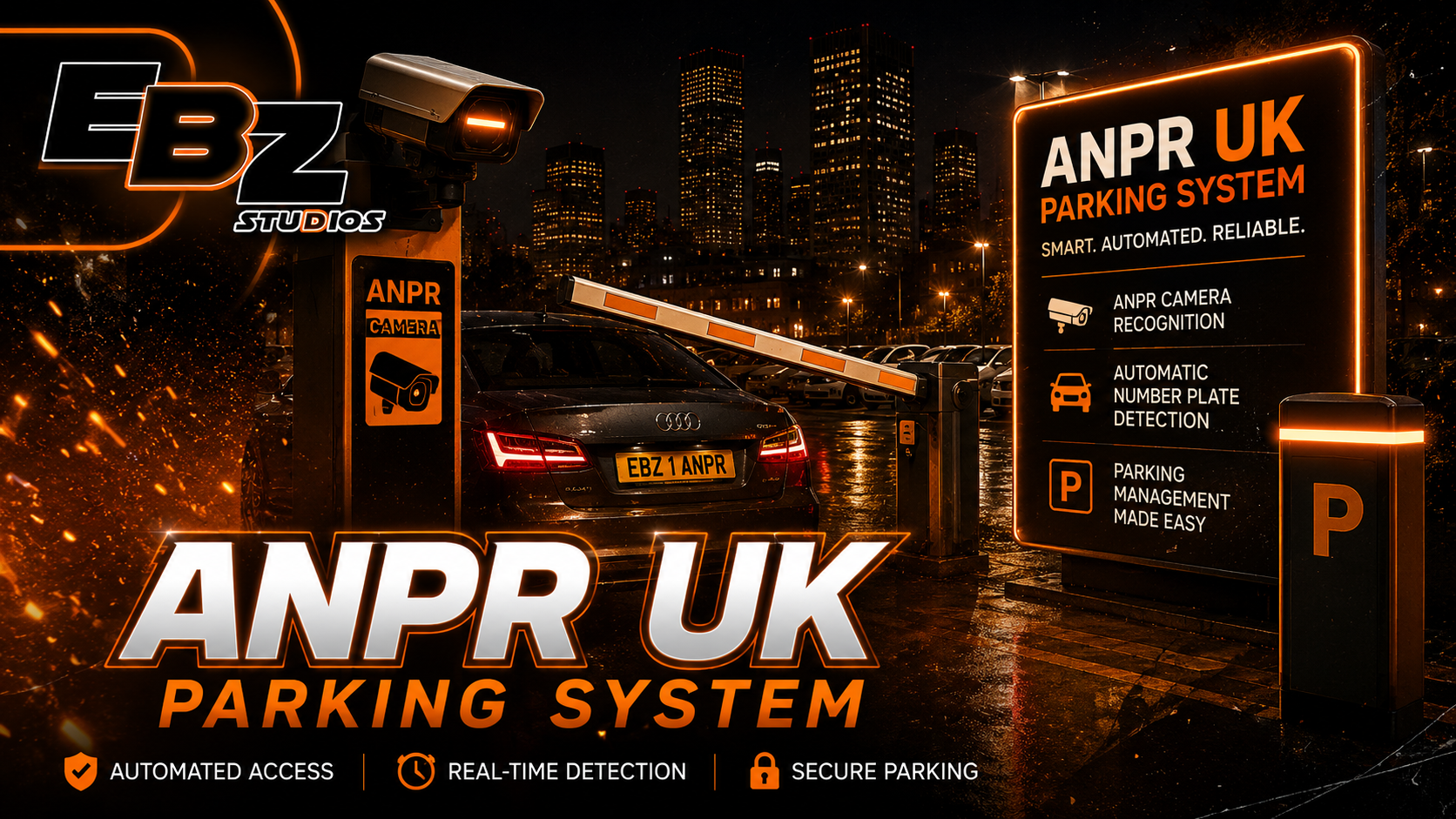
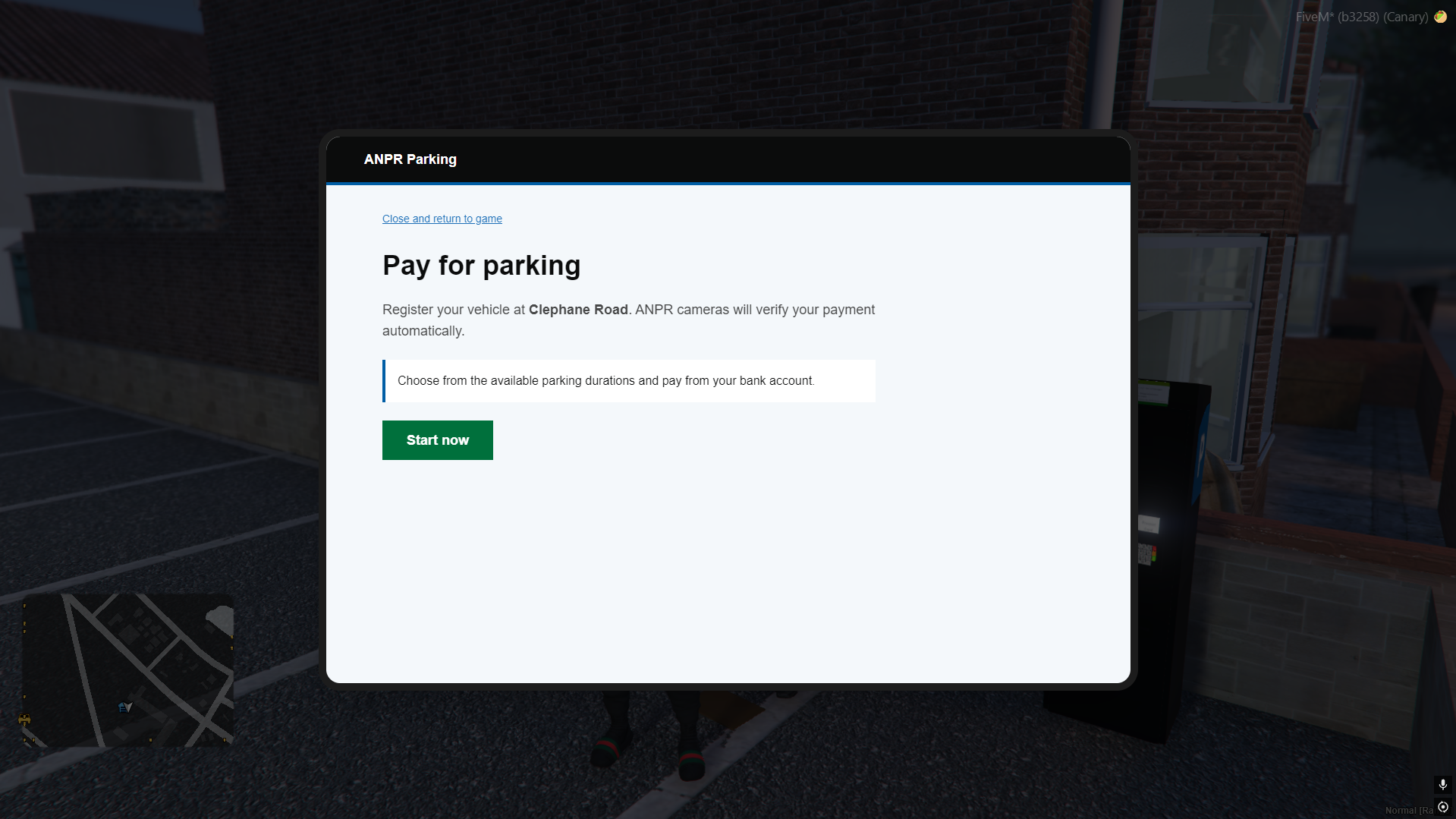
A modern UK-style ANPR parking system for FiveM. Create realistic paid car parks with parking attendants, an in-game tablet payment page, configurable parking durations, persistent sessions, and automatic Parking Charge Notices (PCNs). 🅿️
## ✨ Features
- 📸 ANPR enforcement zones with configurable radii
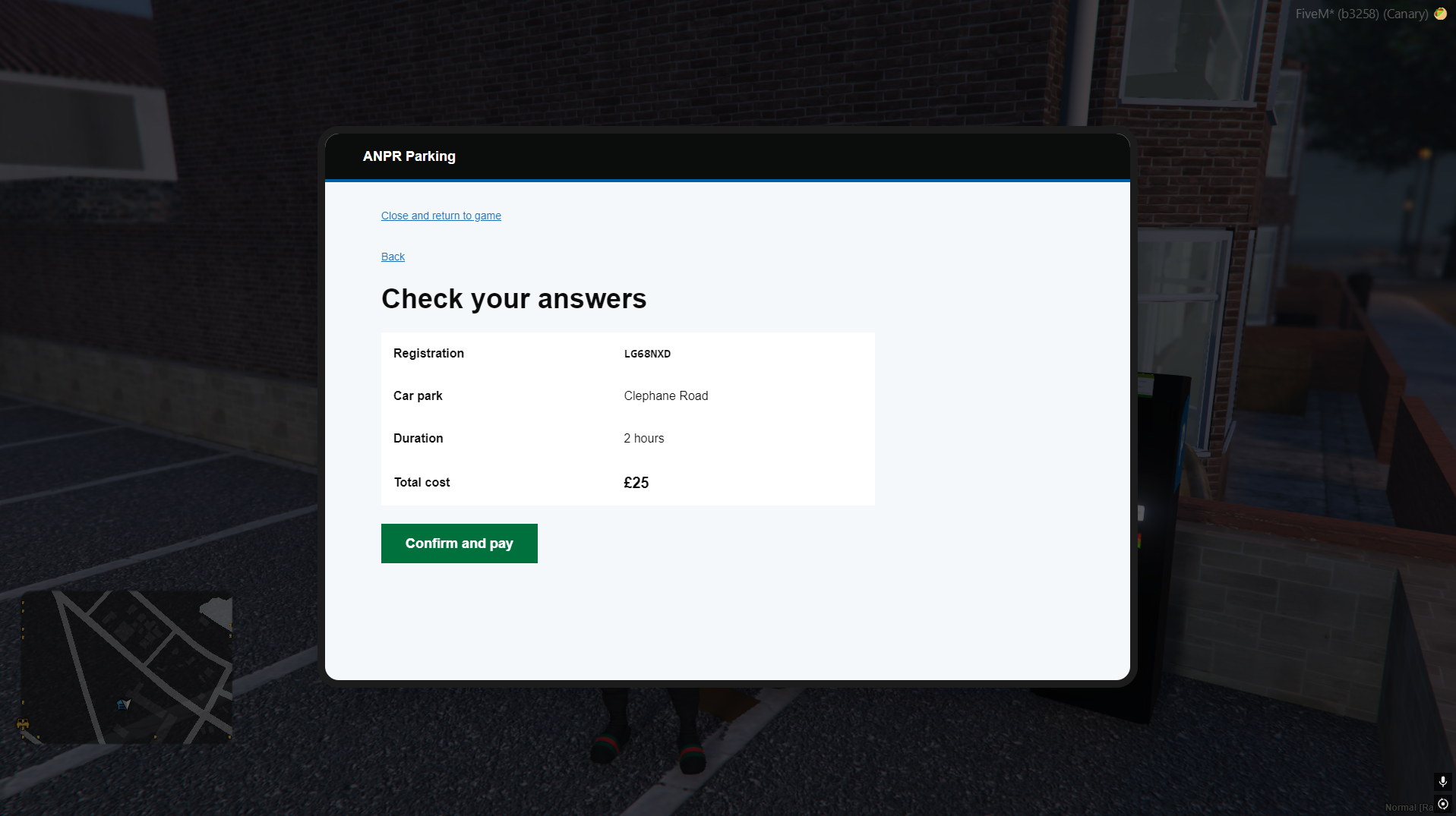
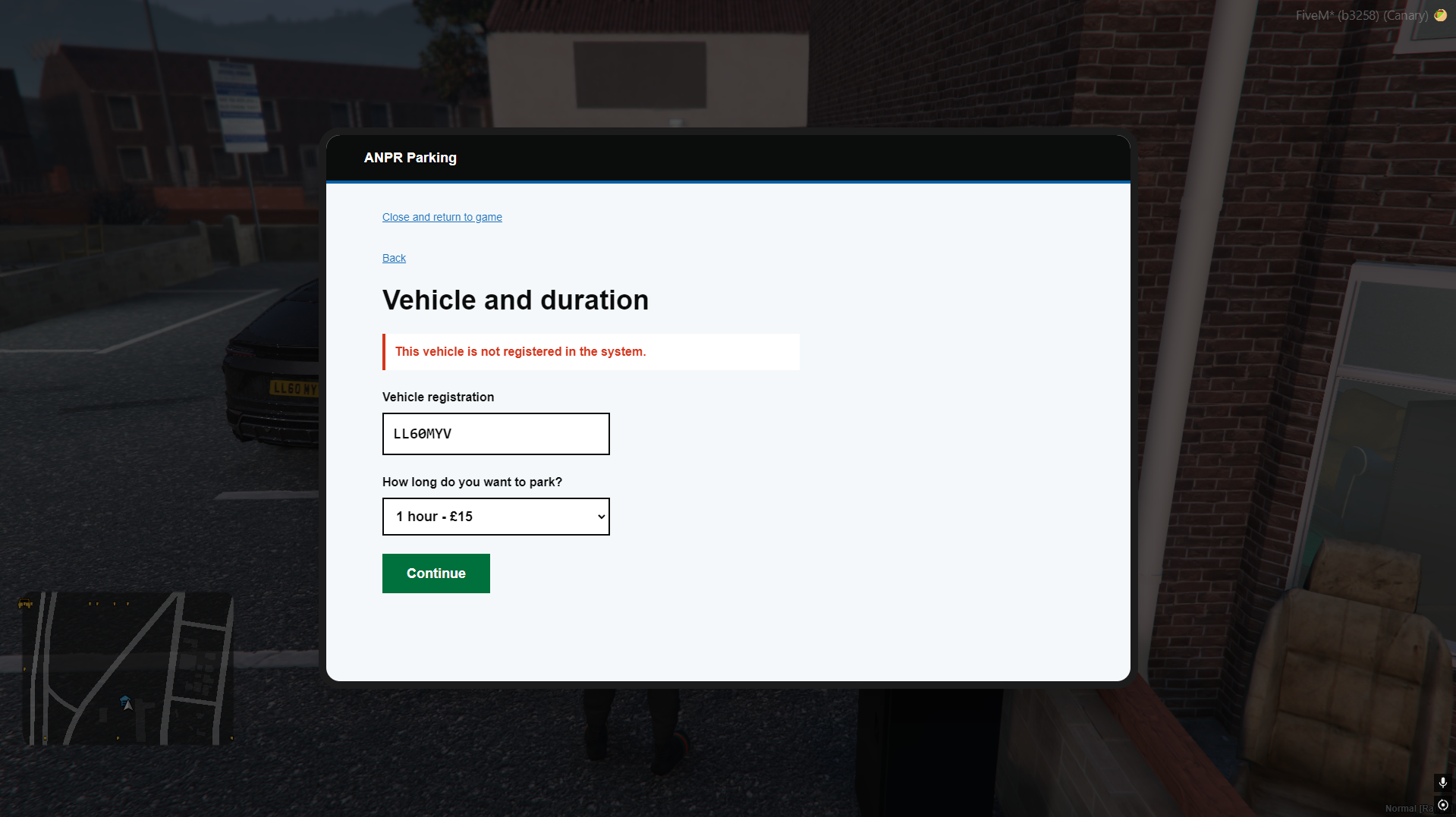
- 💳 Tablet-style parking payment UI
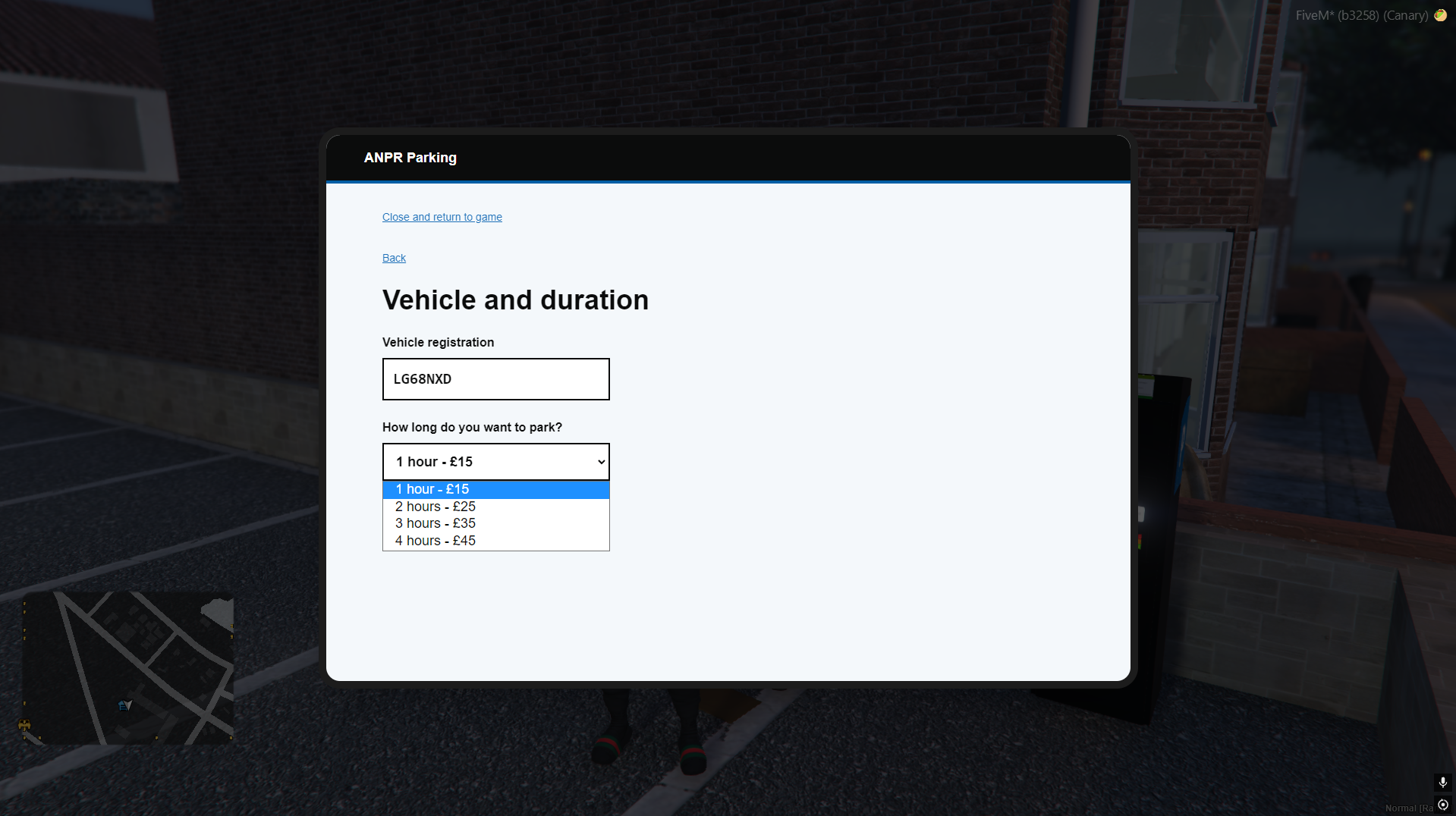
- ⏱️ Multiple parking durations and prices per car park
- 👮 Payment attendant NPCs with `ox_target` interaction
- 🗺️ Optional parking map blips and debug zone markers
- 🔔 Entry/exit ANPR notifications for drivers
- 💷 Automatic recurring PCNs for vehicles that remain unpaid
- 🧾 Persistent fines and optional billing integration
- 🚘 Vehicle owner checks using your configured vehicle system
- 🔧 QBX and ESX support through the built-in bridge
## 🅿️ How it works
1. A driver enters a red ANPR zone and receives a parking notification.
2. They visit the payment attendant and target them with `ox_target`.
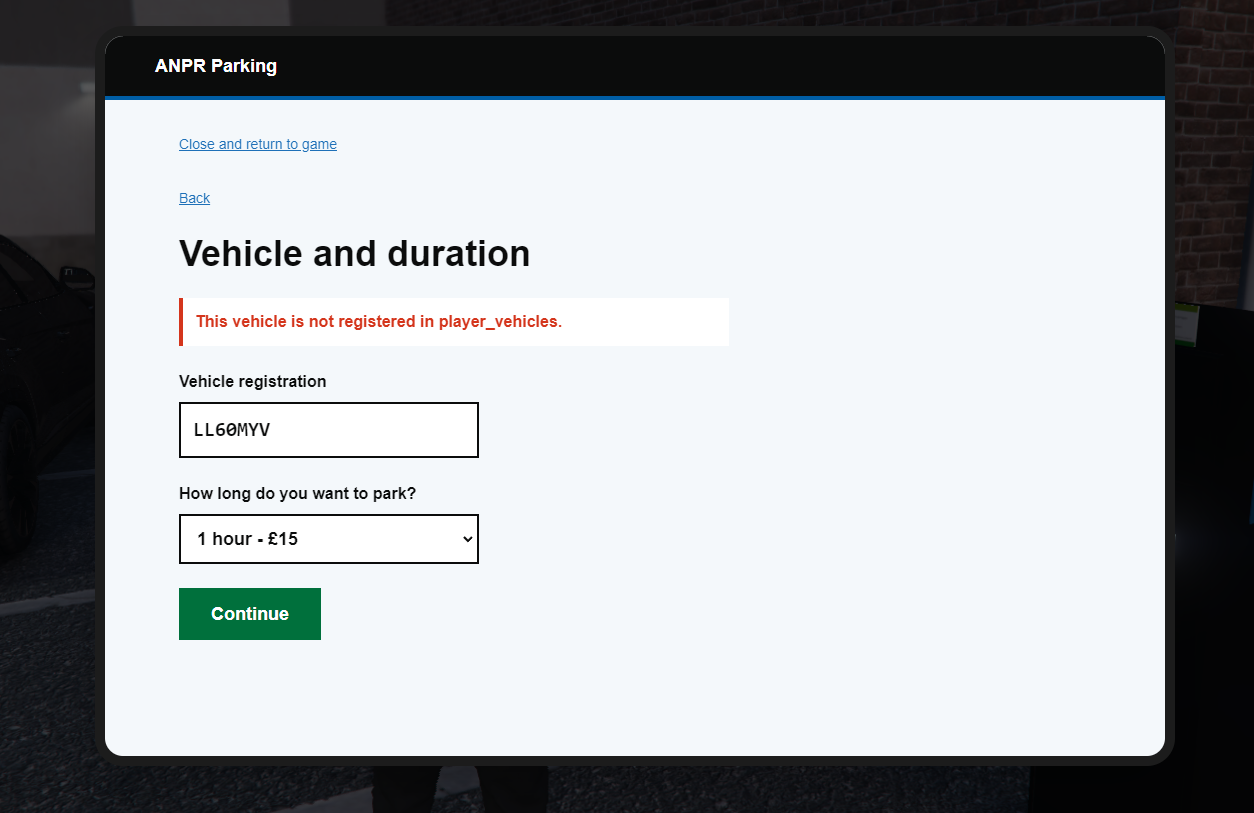
3. The tablet opens, where they enter their registration and select a stay duration.
4. ANPR validates the payment while the vehicle stays in the car park.
5. If the vehicle remains unpaid past the grace period, a PCN is created.
6. Further PCNs are issued at the configured repeat interval until the vehicle pays or leaves.
## ⚙️ Quick setup
1. Add `ensure ebz-parking` after `ox_lib`, `oxmysql`, and `ox_target` in your server configuration.
2. Configure your framework in `Config.Framework`:
```lua
Config.Framework = 'auto' -- auto, qbx, or esx
```
3. Configure each car park in `Config.Zones`:
- ANPR zone coordinates and radius
- Payment-attendant coordinates and heading
- Parking durations and prices
- Grace period, PCN amount, and repeat fine interval
4. Restart the resource. Database tables are created automatically. ✅
## 🔌 Integrations
Choose systems in `Config.Integrations`:
```lua
Config.Integrations = {
notifications = 'ox', -- ox, ebz, okok, qbx, esx, custom, none
billing = 'ebz', -- ebz, okok, custom, none
}
```
### Notifications 🔔
- `ox` — ox_lib notifications
- `ebz` — EBZ Notify
- `okok` — okokNotify
- `qbx` — QBX/QBCore notification event
- `esx` — ESX notification event
- `custom` — your own integration
- `none` — disables notifications
### Billing 🧾
- `ebz` — EBZ Billing
- `okok` — okokBilling
- `custom` — your own integration
- `none` — stores PCNs without sending an external bill
For a custom notification or billing resource, edit [server/custom.lua](server/custom.lua). It contains simple examples and keeps custom code separate from the core resource. 🛠️
## 📝 Commands
| Command | Description |
| --- | --- |
| `/payparking` | Opens the parking payment tablet when inside a payment area. |
## 📁 Requirements
- `ox_lib`
- `oxmysql`
- `ox_target`
- `qbx_core` **or** `es_extended`
Optional: `ebz-notfiy`, `ebz-billing`, `okokNotify`, and `okokBilling` depending on your integration settings.
## 💡 Notes
- Keep `Config.Debug.drawZones = true` while positioning zones, then disable it for production.
- The system never shows players your database table names; invalid registrations display a friendly “not registered in the system” message.
- Fine and session data is stored persistently, so ANPR enforcement remains consistent across restarts. 🔒